

Builder and subdivision movement
Early planningLot, plat, phase, tract, and site-plan signals that can precede vertical construction.
King Lead Lab now gives residential trades a separate view of builder, subdivision, multifamily, and residential infrastructure signals across every covered Texas market. It is the same source-backed intelligence system, organized for a different sales motion.
Residential field notes / 01
From the first foundation and framing activity to apartment scale and vertical growth, the residential lane keeps the physical context visible alongside the record.
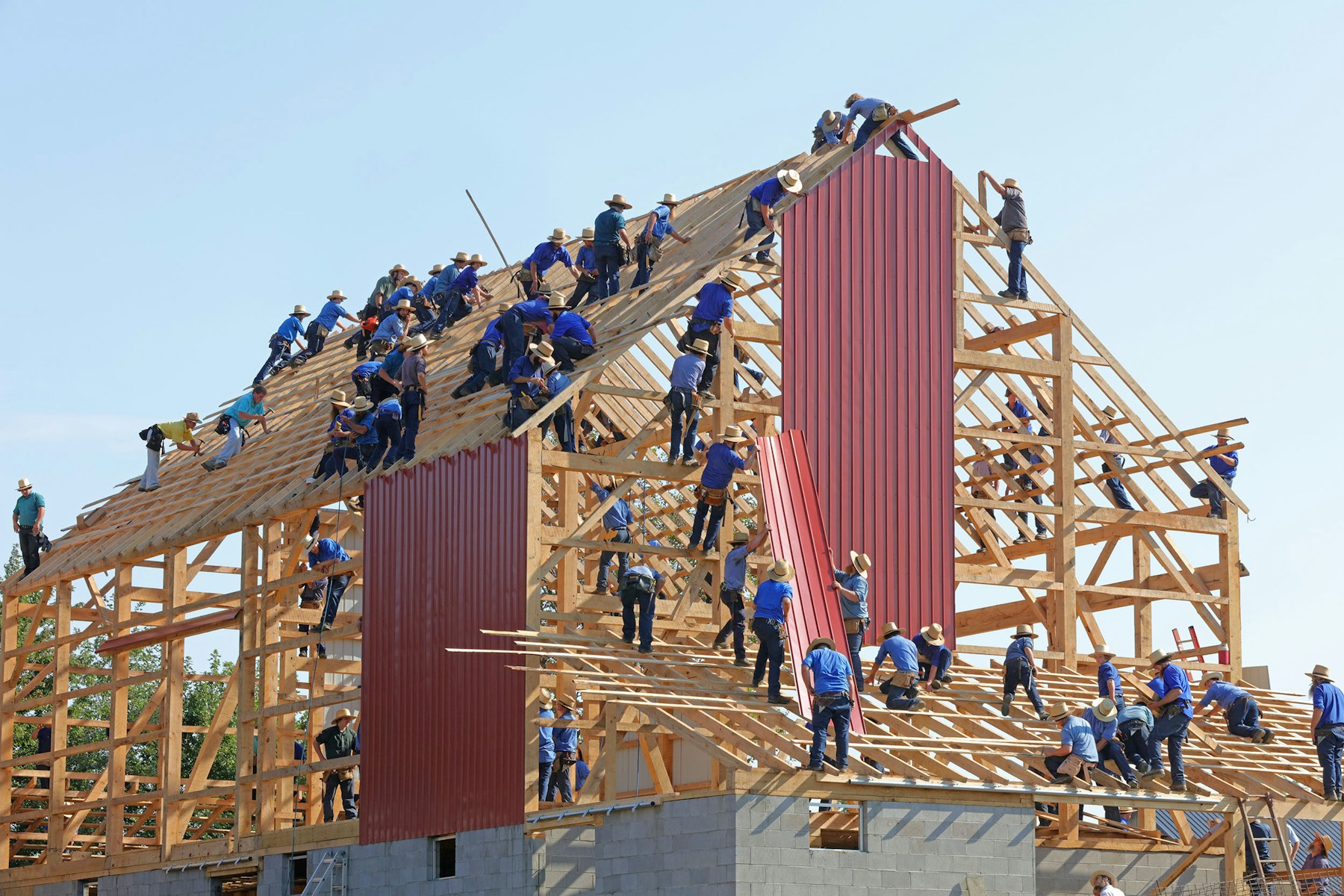


Residential demand is not one category. A subdivision, apartment program, and single-family builder project create different timing, trade, and contact paths. KLL keeps those signals separate from the commercial default so your team can work the market it actually serves.
Lot, plat, phase, tract, and site-plan signals that can precede vertical construction.
Apartment, townhome, and residential program signals with the scope and location available from the source.
Roadway, drainage, utilities, paving, earthwork, and concrete movement around new communities.
Published records tied to a real jurisdiction, source link, date, and project context rather than an anonymous list.
Commercial-only customers should not have to scroll past homeowner noise, while residential builders and trade contractors should not have to search a commercial feed for the next community or apartment program.
Residential opens as its own market lane. The main dashboard still opens on the commercial view, and the customer can move between lanes without changing their account or plan.
Both plans can work the residential market. The difference is how deeply KLL helps your team qualify and expand the account behind each signal.
Choose your trades and territory, then use the same source context, saved pipeline, and outreach workflow across the residential and commercial lanes.